




Application management
Manage the full lifecycle of software installed inside a Velaxe workspace.

Move from setup to connected operations
 1
1
Application installation
 2
2
Application upgrades
Velaxe validates upgrade packages, updates the application code, preserves workspace data and refreshes the application's routes, permissions, handlers and background-job declarations.
 3
3
Application removal
Uninstallation removes application registrations, routes, events, search providers, jobs and handler mappings. Authorised administrators may retain customer data where required.
A closer look at how the platform works


Application installation
- Install from an approved package.
- Create application storage and databases.
- Register routes, events and scheduled jobs.

Application upgrades
Velaxe validates upgrade packages, updates the application code, preserves workspace data and refreshes the application's routes, permissions, handlers and background-job declarations.
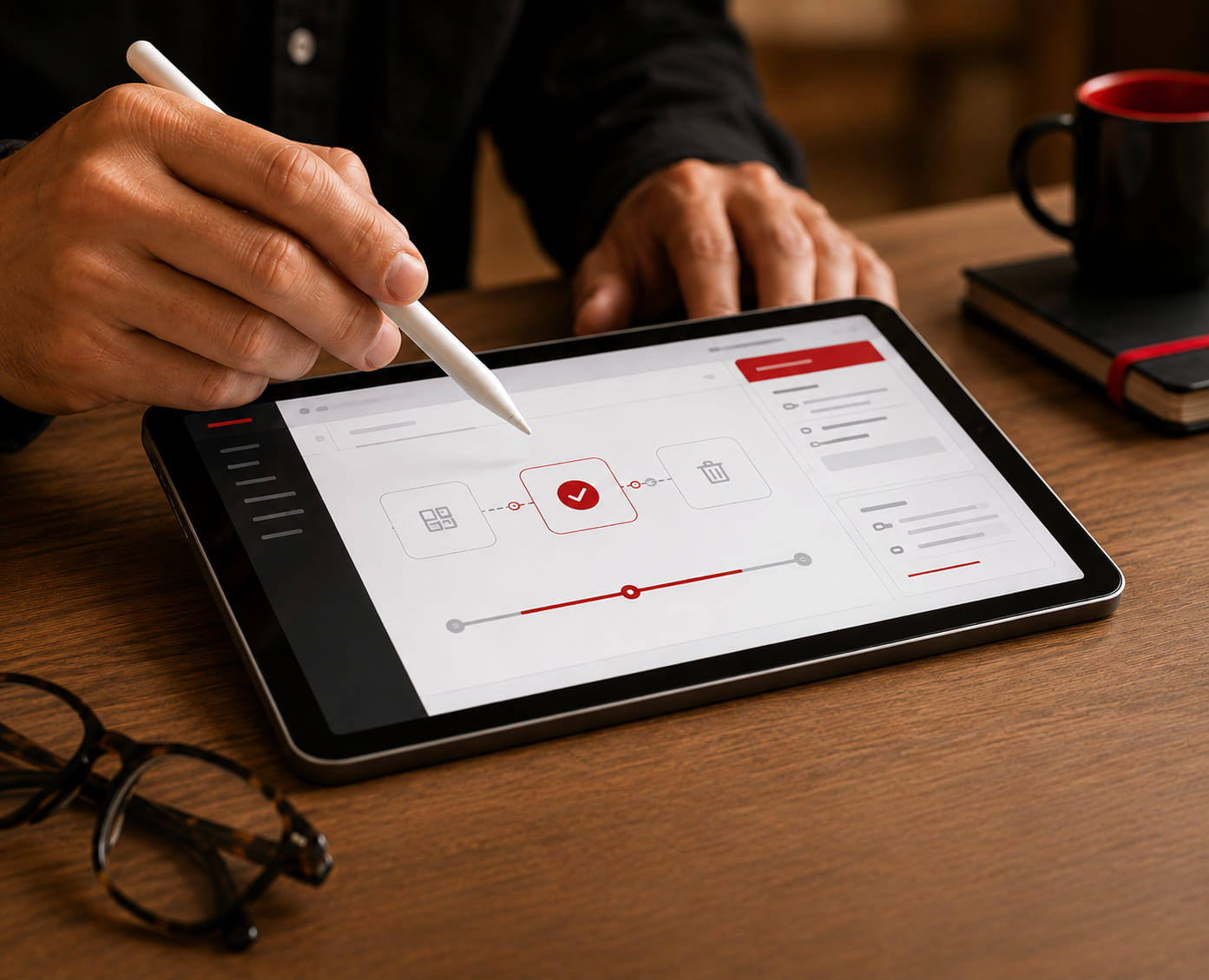
Application removal
Uninstallation removes application registrations, routes, events, search providers, jobs and handler mappings. Authorised administrators may retain customer data where required.


Platform capability
Application launch and operation
The platform provides the active workspace, current user, permissions, launch options and licence information required to run the application inside the business desktop.