




Business software desktop
Give users one familiar interface for launching, organising and working across authorised business applications.


Platform capability
A consistent experience for different applications
Installed applications can have different business purposes, but users access them through the same Velaxe workspace and desktop controls.
A closer look at how the platform works
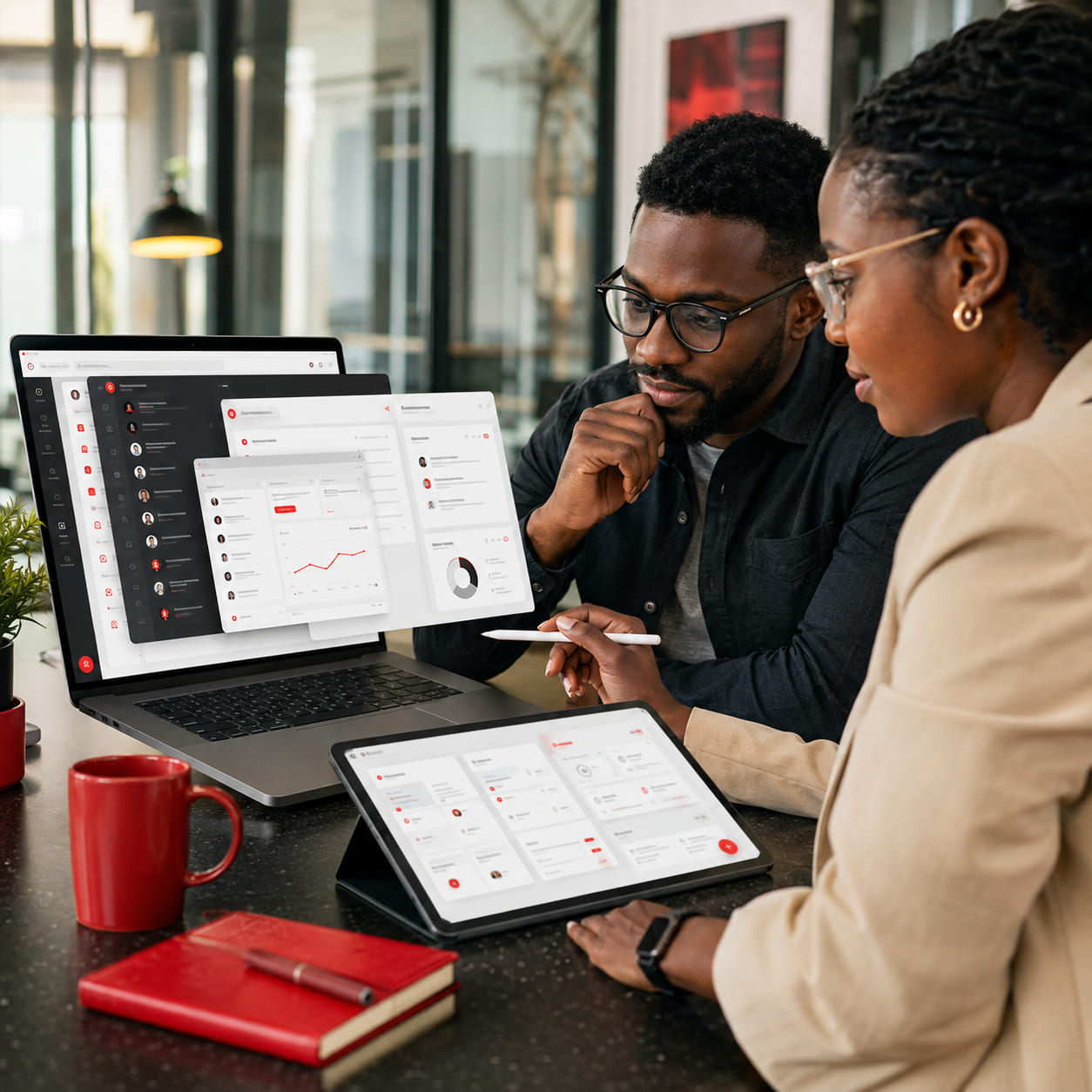
Work with several applications at once
The desktop supports multiple application windows, active-window tracking, single-instance and multi-instance applications, previews and open-window overview controls.
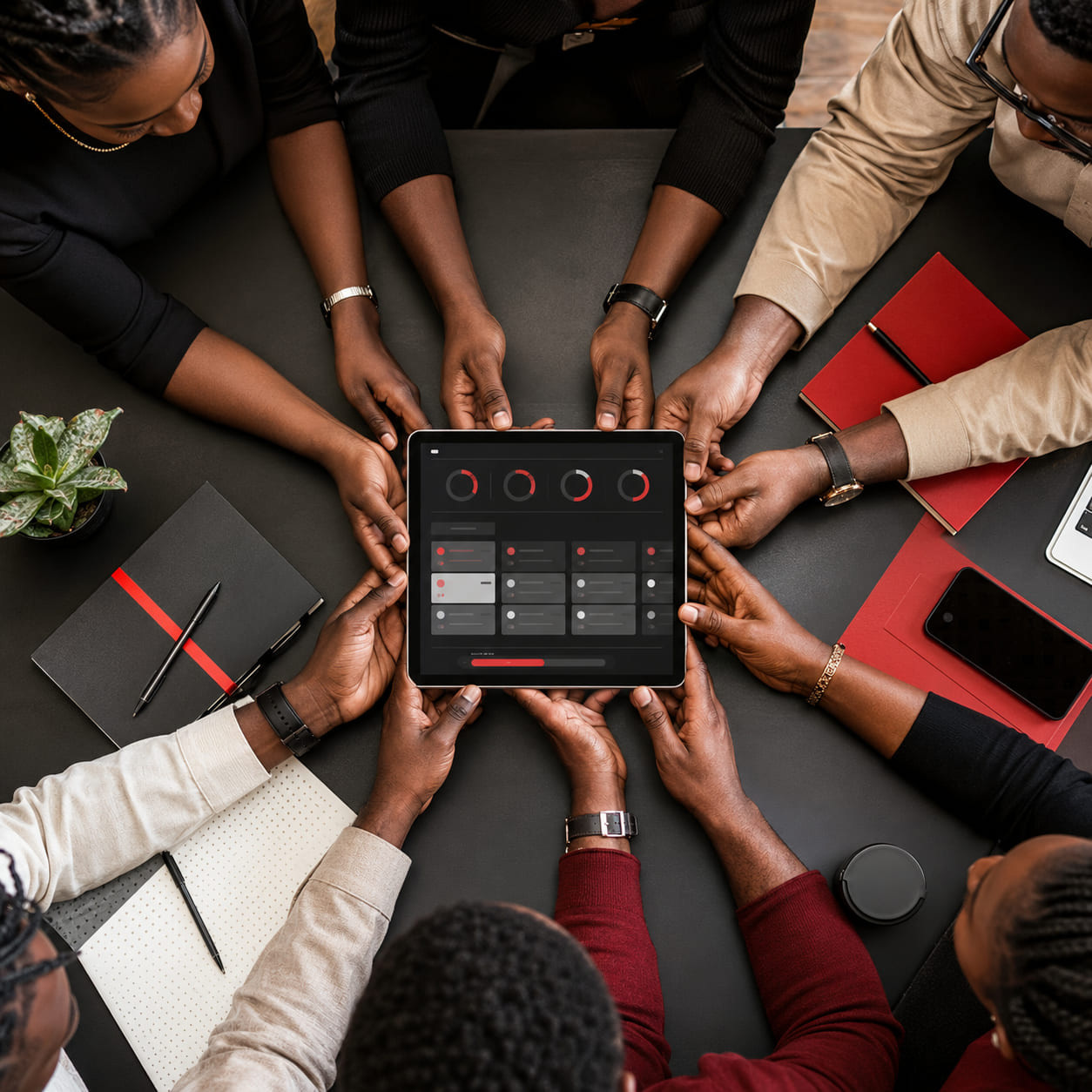
Background applications
Authorised applications can continue running without displaying a visible window. Users can view background applications in a dedicated tray and bring them forward when required.

Workspace controls
- Workspace switching.
- Marketplace shortcut.
- Global search launcher.
Capabilities designed to work together
Give users one familiar interface for launching, organising and working across authorised business applications.

Application launcher
Open installed applications from one central workspace.

Managed windows
Open, focus, minimise, maximise, resize, restore and close applications.

Taskbar and overview
See running applications and return to the work that is already open.

Responsive access
Use the workspace across desktop, tablet and mobile browsers.